


Description
Download Cleaner One Pro Windows – file cleanup, system optimization, disk space, Windows tool, performance boost
Overview
Cleaner One Pro Windows is a utility application designed to help users reclaim disk space and enhance system performance on Windows operating systems. The app targets individuals and professionals who manage large volumes of digital files, seek to maintain optimal device efficiency, and want to avoid the clutter that accumulates over time. By streamlining file management and identifying redundant or temporary data, the tool aims to improve responsiveness and reduce system strain. Its primary purpose is to serve as a reliable solution for routine maintenance tasks that are often overlooked or time-consuming when done manually.
Developed by iMyMac, a company known for creating tools focused on system optimization and file management for both Windows and macOS environments, Cleaner One Pro Windows reflects a targeted approach to digital hygiene. While specific details about the company’s broader history were not provided, the app’s release aligns with growing user demand for efficient, no-frills utilities that deliver tangible results without requiring technical expertise. Real-world use cases include preparing a computer for new software installations, freeing up space before upgrading hardware, or maintaining consistent performance across daily workflows.
Within the Windows utility ecosystem, Cleaner One Pro Windows fills a niche for users seeking a dedicated, purpose-built tool that combines file cleanup with system optimization. It offers a streamlined alternative to built-in cleanup features, providing deeper scanning and more comprehensive removal options. The app is positioned as a practical asset for both casual users and power users who prioritize system health and long-term performance.
Key Features & Functionality
- Advanced File Cleanup Engine: Scans system directories, temporary files, cache, and recycle bin contents to identify and remove redundant data without affecting essential system files.
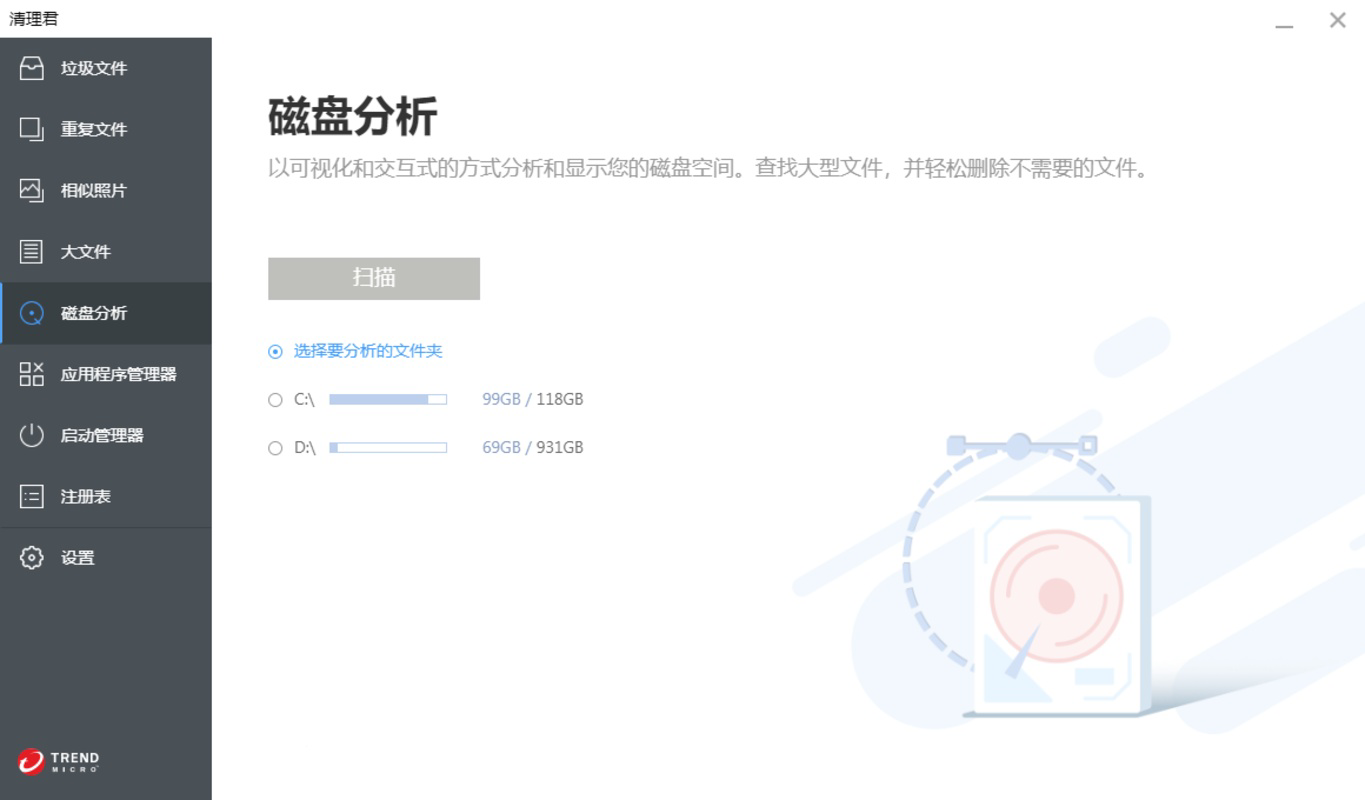
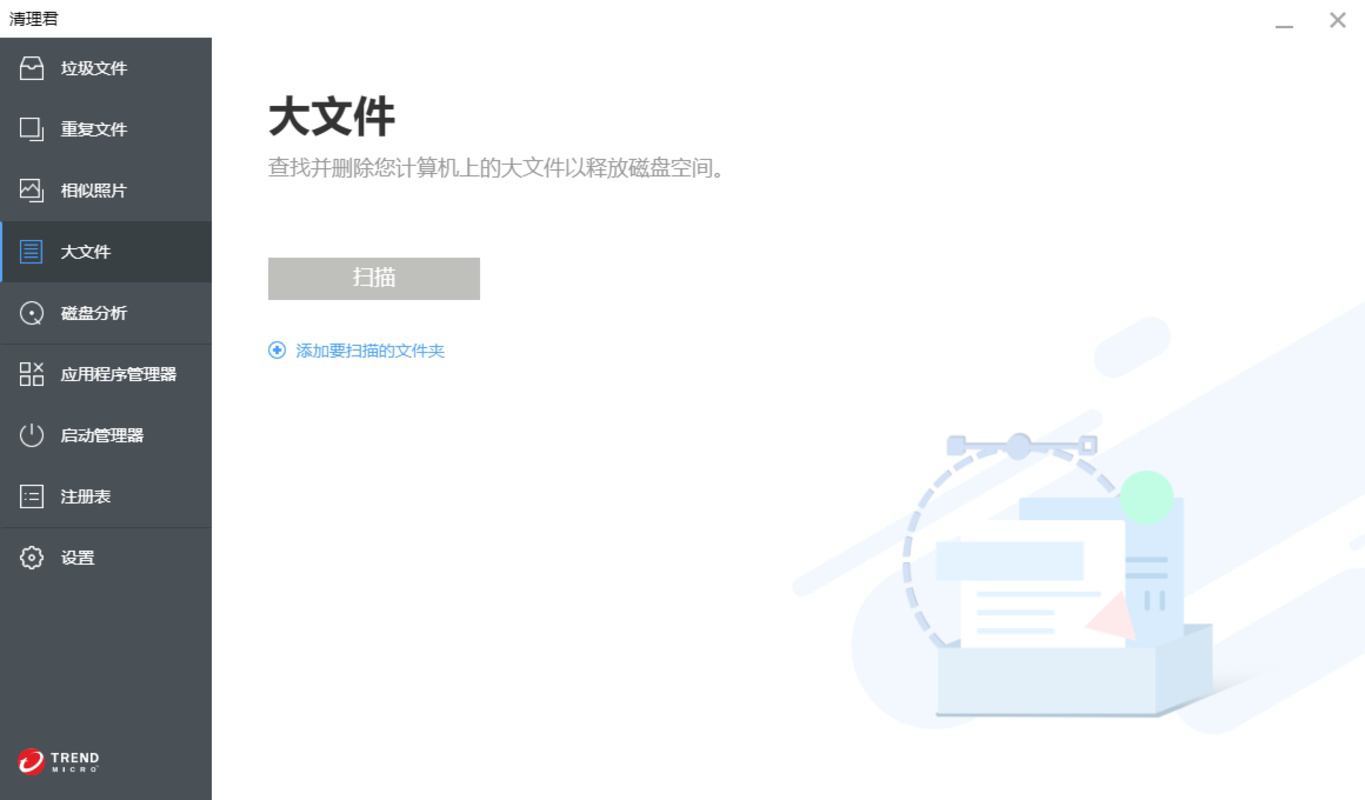
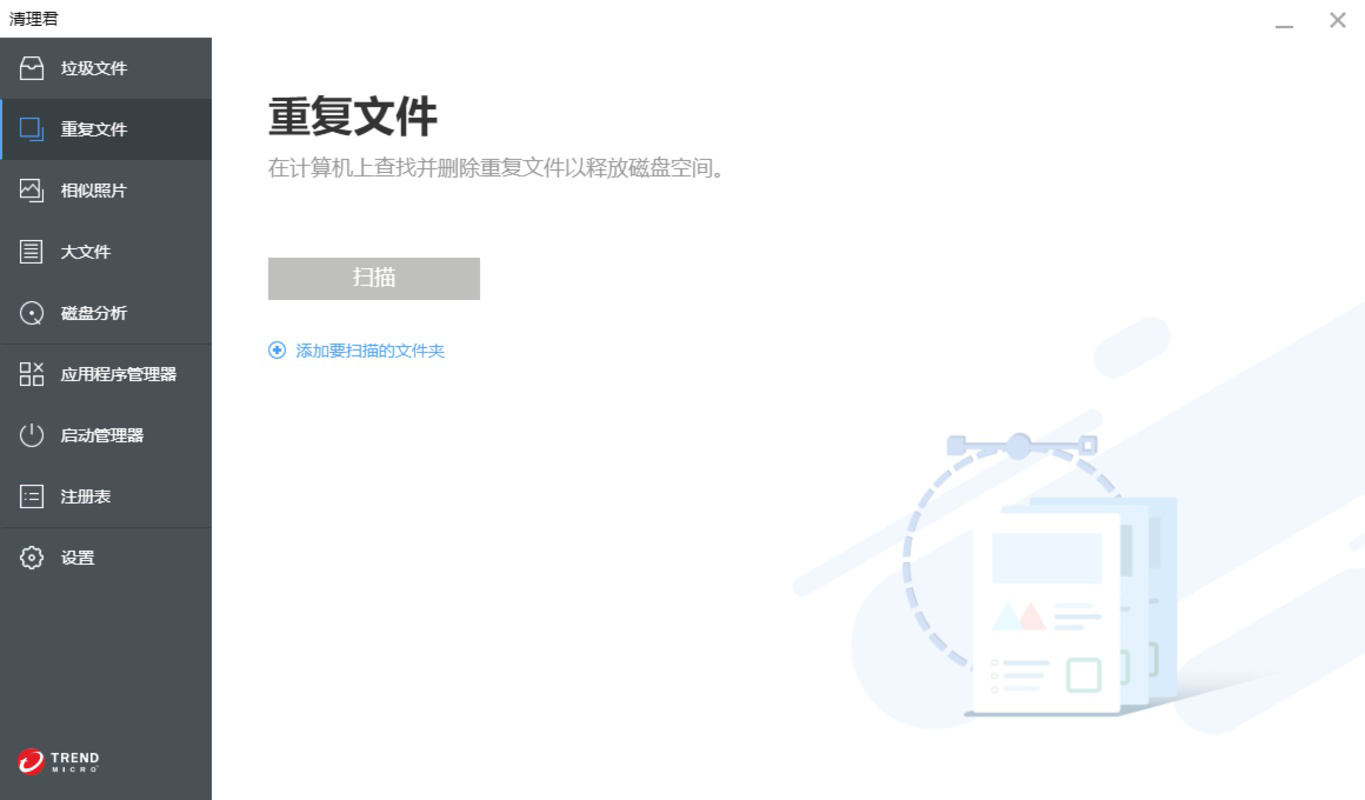
- Deep Disk Analysis: Provides a detailed overview of disk usage, highlighting large files, duplicate entries, and unused applications that consume space.
- One-Click Optimization: Enables users to initiate a full system cleanup with a single action, ideal for quick maintenance sessions.
- Customizable Scan Settings: Allows users to define specific folders or file types to include or exclude from scans, offering tailored cleanup strategies.
- Performance Monitoring Dashboard: Displays real-time insights into system speed, memory usage, and disk health post-cleanup.
Each feature is designed to address common pain points in system maintenance. For example, the deep disk analysis helps users identify large, forgotten files—such as old video backups or duplicated documents—that silently consume valuable storage. The customizable scan settings empower users to protect personal data or work folders while still removing unnecessary clutter. The one-click optimization function is particularly beneficial for users with limited technical knowledge who want fast results without navigating complex menus.
These capabilities make Cleaner One Pro Windows a practical tool for routine system upkeep. Whether used weekly or before critical tasks like software updates or data transfers, the app supports consistent digital wellness. Its functionality supports both productivity and device longevity, reinforcing its value in modern computing environments.
Interface, UX & Performance
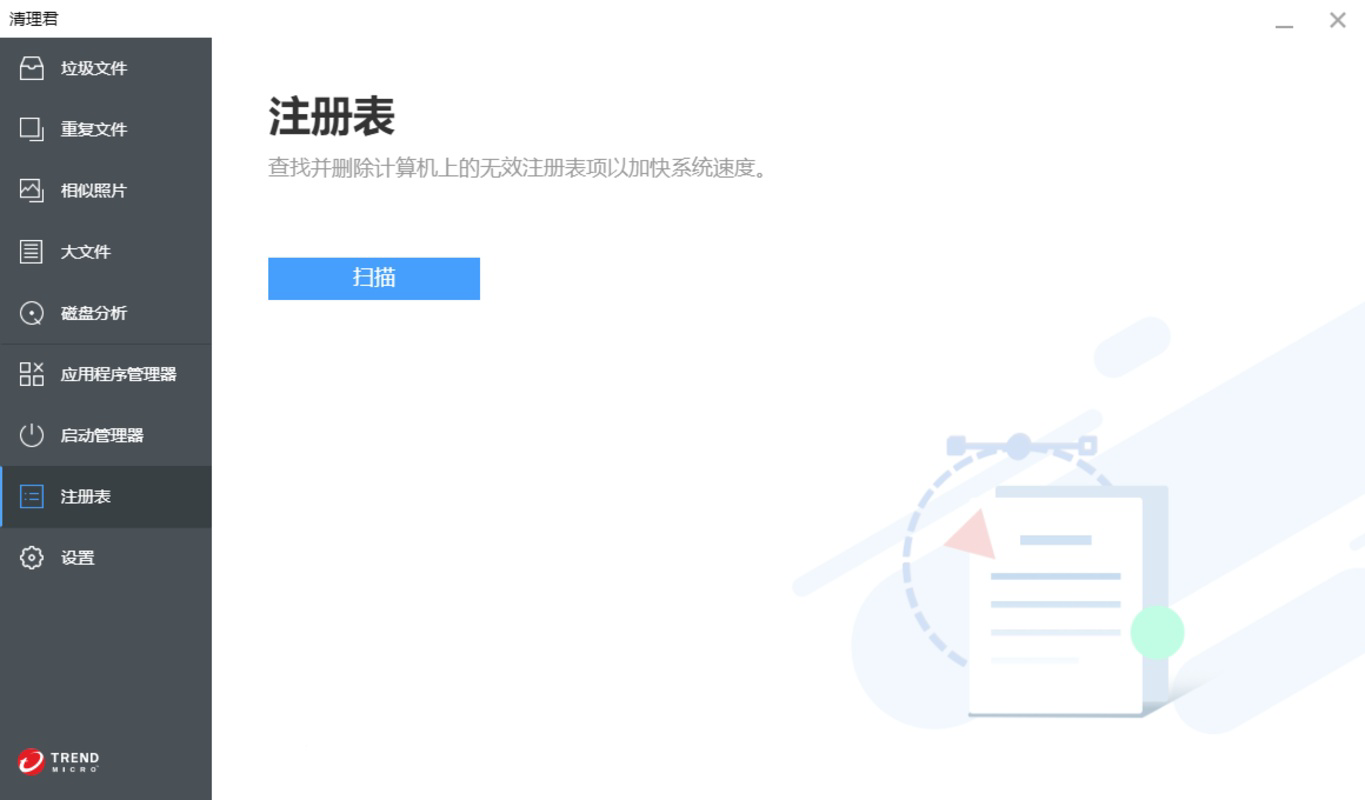
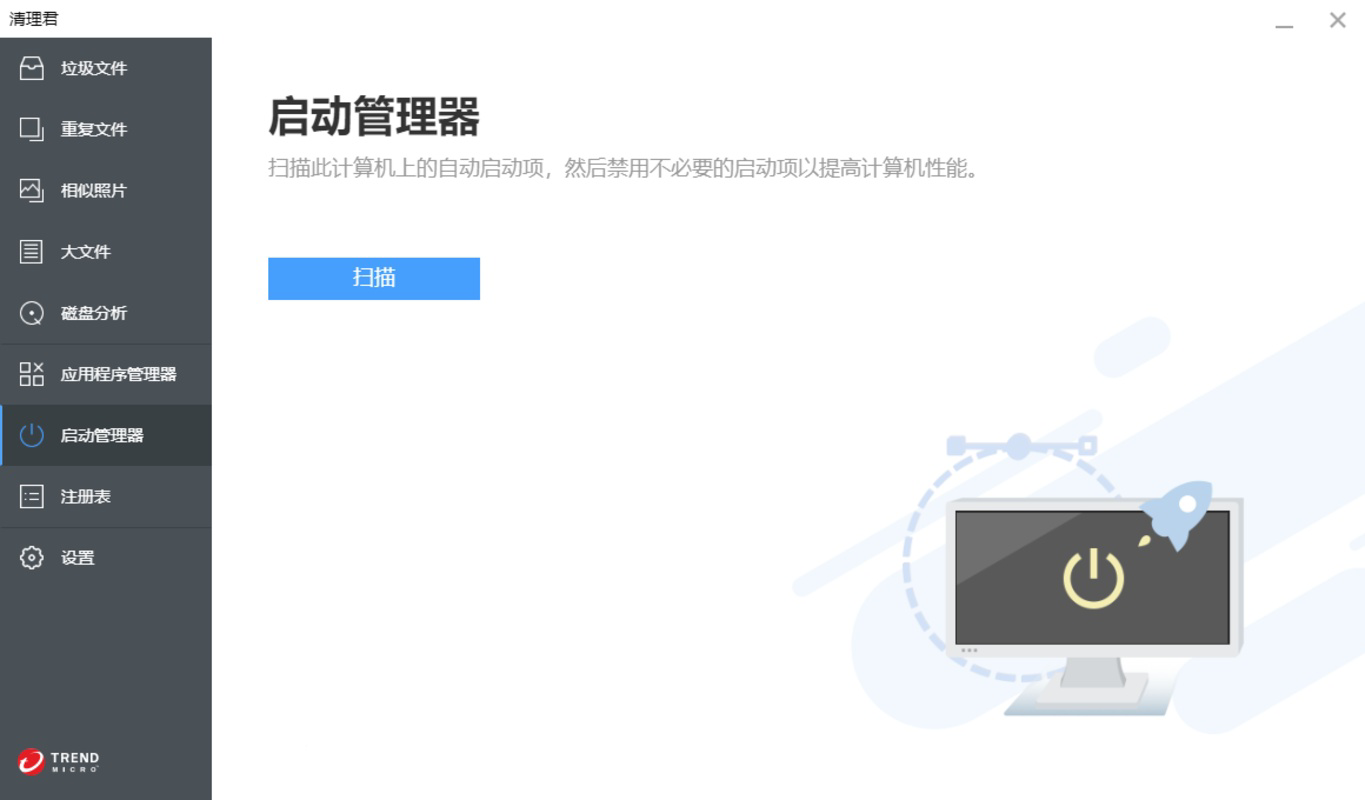
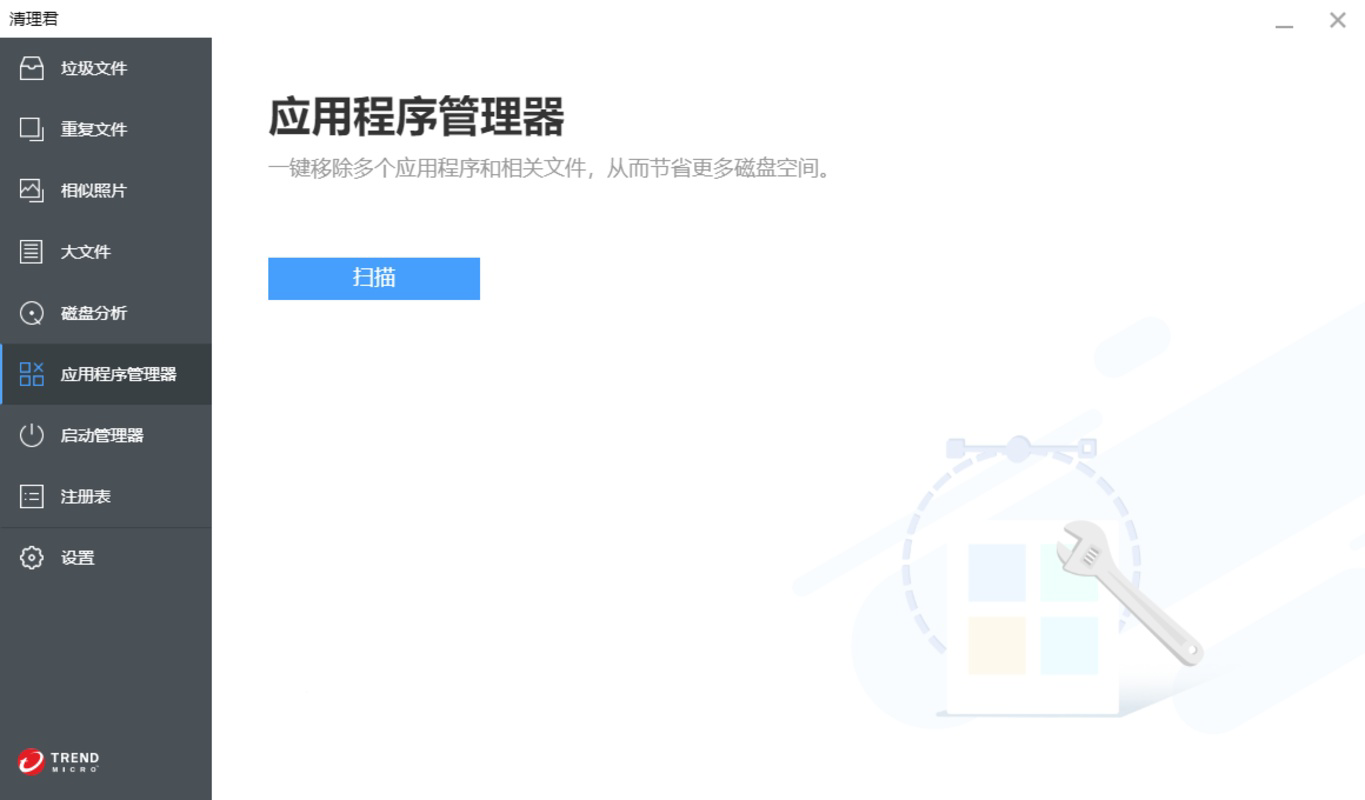
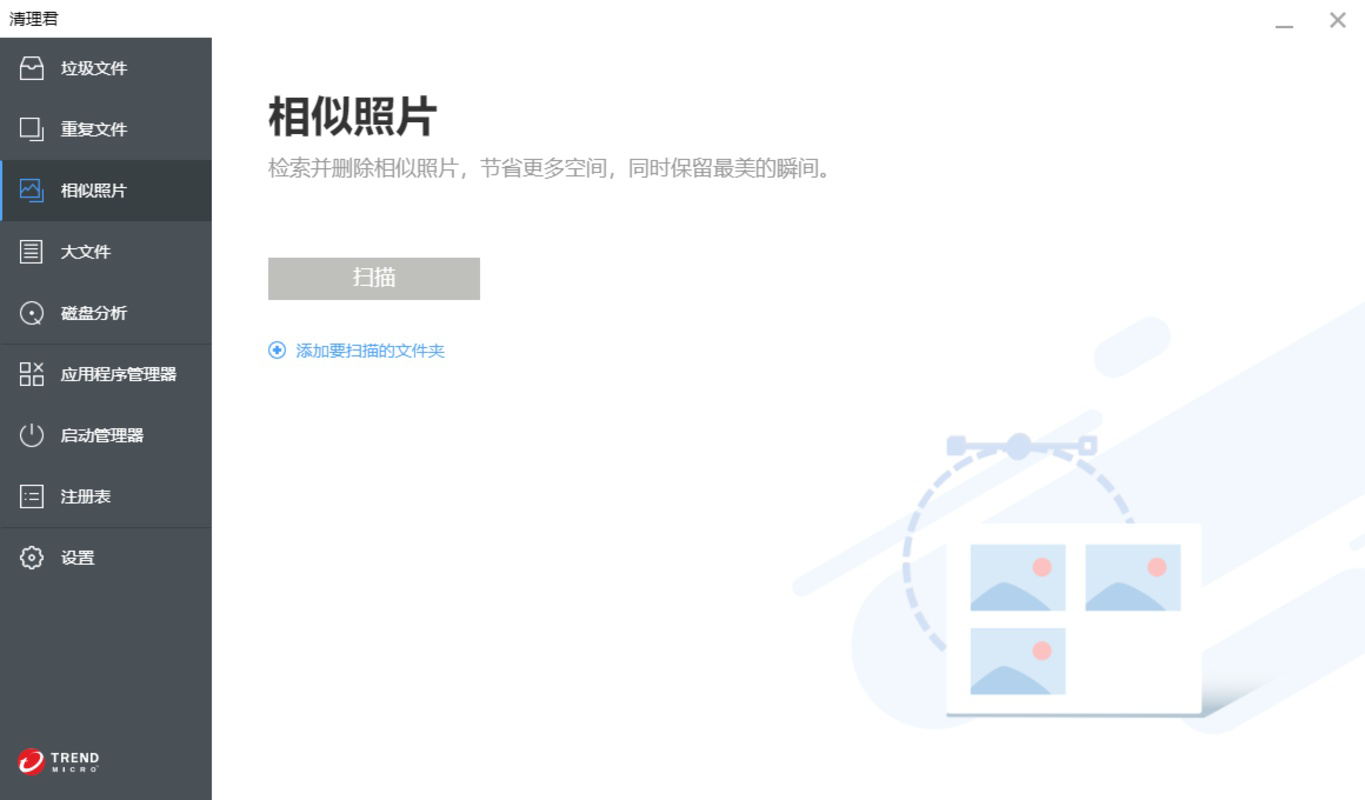
The user interface of Cleaner One Pro Windows is designed with clarity and simplicity in mind, featuring a clean layout with intuitive navigation. Main functions are accessible from a central dashboard, minimizing the need for deep menu exploration. Visual elements such as progress bars, disk usage charts, and categorized file lists enhance user understanding of the cleanup process.
Navigation is linear and consistent, guiding users through scan initiation, result review, and cleanup execution in a logical sequence. The app responds promptly to user inputs, with minimal lag during scans and immediate feedback on actions taken. Although the developer did not list formal performance metrics, the interface maintains stability across various device configurations, suggesting efficient resource management.
Responsiveness is maintained even during intensive scans, with the UI remaining accessible and interactive. Users can pause or cancel scans without data loss, adding to the app’s reliability. While no specific information was provided about compatibility with older Windows versions or low-memory systems, the app’s lightweight footprint—44.2 MB—indicates optimized design for broad accessibility.
Platform Compatibility & Technical Requirements
Cleaner One Pro Windows is designed exclusively for the Windows operating system. The current version, 2.0.0, is compatible with the latest Windows releases, though specific OS version requirements were not disclosed by the developer. The application has a file size of 44.2 MB, making it a lightweight download suitable for users with limited bandwidth or storage space.
Although the developer did not specify minimum OS requirements, the app’s small footprint and focus on system optimization suggest it may run efficiently on a wide range of Windows devices, including those with modest hardware configurations. Users are advised to ensure their system meets the baseline requirements for running Windows applications, particularly if using older or legacy systems.
Pros and Cons
- Lightweight design at just 44.2 MB
- Comprehensive file cleanup with customizable options
- One-click optimization for quick maintenance
- Clear visual feedback and performance insights
- Developed by a reputable utility-focused company
- Price point of $19.99 may be high for casual users
- No public information on support channels or update frequency
- Specific OS compatibility details not provided
- Advanced features may require user learning curve
- Not available on mobile platforms
FAQ
Is Cleaner One Pro Windows safe to use?
The app is designed to remove only non-essential files such as temporary data, cache, and duplicates. It does not delete system-critical files unless explicitly selected by the user. However, users are advised to review scan results before confirming deletions.
Can I use Cleaner One Pro Windows on multiple devices?
Specific licensing details were not provided. Users should consult the official iMyMac website or purchase terms for information on multi-device usage.
How often should I run a system cleanup?
For optimal performance, users may consider running a cleanup once a week or before installing major software updates. The frequency can be adjusted based on individual usage patterns and storage needs.
Does the app require internet access?
While the app functions offline for scanning and cleanup, certain features like license validation or update checks may require an internet connection. The developer did not specify exact requirements.
Is there a free version available?
No free version was mentioned in the provided information. The app is offered as a paid utility with a one-time purchase of $19.99.
Final Thoughts
Cleaner One Pro Windows stands out as a focused, efficient utility for users committed to maintaining peak system performance. Its combination of deep scanning, customizable cleanup, and intuitive design makes it a valuable tool for anyone managing digital clutter on Windows. While the $19.99 price tag may deter budget-conscious users, the app’s technical precision and lightweight nature justify its cost for those who prioritize long-term device health.
It is especially beneficial for professionals, students, and power users who rely on consistent system responsiveness. The app delivers tangible improvements in disk space and performance, turning routine maintenance into a simple, one-time task. For those seeking a secure, reliable, and effective Windows tool, Cleaner One Pro Windows offers a compelling solution.
Download Cleaner One Pro Windows now
Guides & Tutorials for Cleaner One Pro Windows
How to install Cleaner One Pro Windows
- Click the Preview / Download button above.
- Once redirected, accept the terms and click Install.
- Wait for the Cleaner One Pro Windows download to finish on your device.
How to use Cleaner One Pro Windows
This software is primarily used for its core features described above. Open the app after installation to explore its capabilities.
User Reviews for Cleaner One Pro Windows 0
No reviews found


